DigitalPianistSynths
.jpeg)

Pro Gear Advisers
•866-498-7882


30% Off Open-Box Savings Available
Novation Launchpad Mini MK3 MIDI Pad Controller
$129.99
More Ways to Buy:
6-month special financing^ + $6 back in Rewards** Limited time
Pay in 4 interest-free payments of $32.50

Protect your gearLearn more
Cover drops, spills or cracks with Pro Coverage

Need Help?
Videos (1)
View All
Novation // Launchpad Mini

Description
Big creative control doesn’t have to come in a big package, and the Novation Launchpad Mini MK3 proves it with a powerful 64-pad grid controller designed for producing, performing and experimenting on the go. Featuring bright RGB pads, intuitive clip launching, Custom Modes and seamless USB-C connectivity, it delivers hands-on control for modern music workflows in a compact footprint. While often associated with Ableton Live, Launchpad Mini is built to work just as effectively with Logic, Cubase, Bitwig and more, making it a flexible controller for almost any DAW. Add in bus-powered operation, mobile compatibility and included production software, and Launchpad Mini becomes an ideal entry point into grid-based music creation without sacrificing capability.
64 RGB Pads With Real-Time Visual Feedback
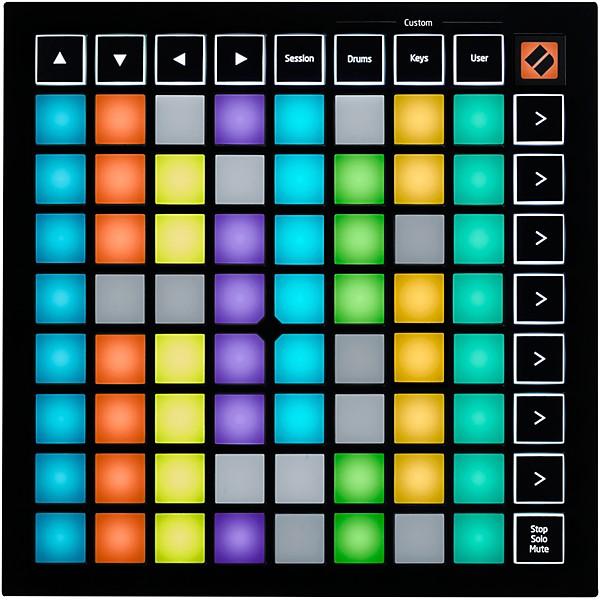
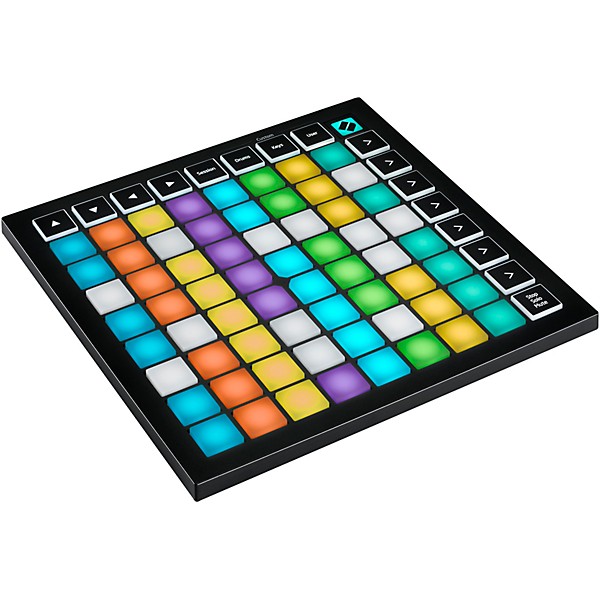
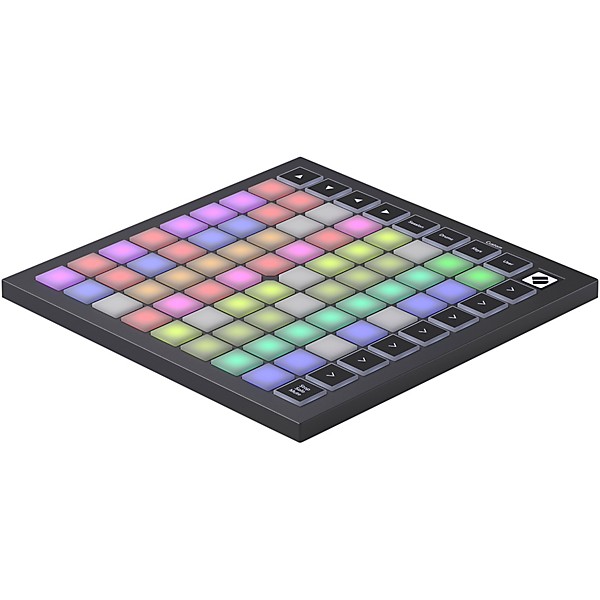
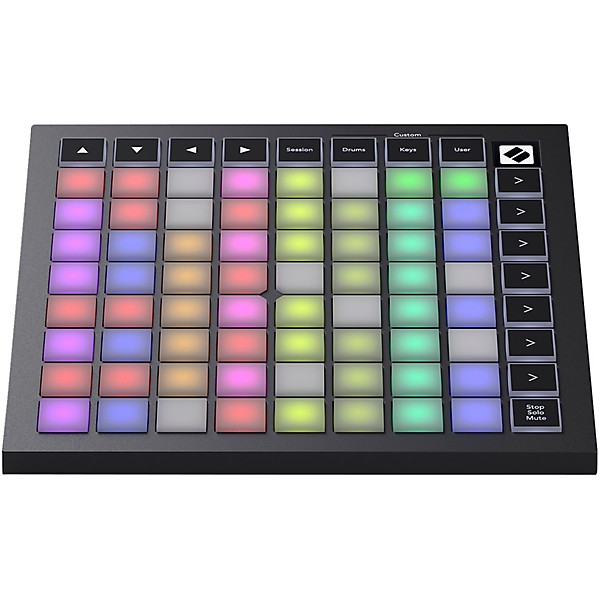
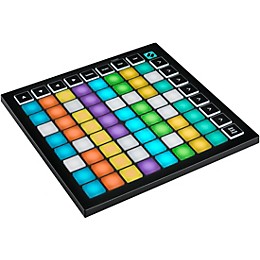
The 8×8 grid of RGB pads gives you a clear, immediate view of your session while keeping every control within reach. Each pad lights up to reflect clip status, so you always know what’s playing, queued or recording without relying on your screen. The bottom row doubles as Stop, Solo and Mute controls, streamlining your workflow during both production and performance. This visual, tactile approach transforms your DAW into an interactive instrument, making it easy to build arrangements and trigger ideas in real time.
Play Melodies, Beats and Patterns Without a Keyboard
Keys Mode transforms the grid into a playable instrument, giving you four octaves of notes in a consistent, easy-to-learn layout. Because scale shapes remain the same across keys, it’s simple to create melodies and chords without traditional keyboard training. Drum Mode provides a familiar 4×4 layout for finger drumming, letting you tap out beats or trigger samples with precision. These performance modes make Launchpad Mini equally useful for composing ideas and performing them live.
Custom Modes for Personalized Control
With Novation Components, you can tailor Launchpad Mini to fit your exact workflow. Create custom grids for triggering MIDI notes, controlling plugins or sending keystrokes, and store up to three Custom Modes directly on the device. Whether you need virtual faders, effect toggles or a dedicated control layout for your favorite software, Launchpad Mini gives you the flexibility to design your own performance environment with minimal effort.
Flexible DAW Integration Beyond Ableton
Launchpad Mini is designed to integrate smoothly with a wide range of software environments, not just Ableton Live. Whether you're working in Logic Pro, Cubase, Bitwig or another MIDI-compatible DAW, the controller provides reliable clip launching, transport control and performance functionality. This versatility makes it an excellent choice for producers who want a grid controller that adapts to their workflow rather than locking them into a single platform. It’s a powerful reminder that Launchpad controllers are far more than Ableton-only tools.
Portable Design With Everything You Need to Create
Designed for mobility, Launchpad Mini is lightweight, bus-powered and compact enough to fit in virtually any bag, making it perfect for creating music wherever inspiration strikes. It works seamlessly with the Launchpad app on iOS for mobile production, while the included Ableton Live Lite, Cubase LE and additional plugins provide a complete starting point for studio work. With an easy setup process and included Melodics lessons for skill-building, Launchpad Mini delivers a streamlined, powerful music-making experience across virtually any setup.
Features
- Grid MIDI controller inspires hands-on creation and live performance power
- 64 RGB pads show real-time DAW clip and scene feedback
- Keys mode gives four octaves for melodic lines and chord shapes
- Drum mode sets classic 4x4 pads for finger drumming and sample triggering
- Three custom modes let you personalize workflow for advanced setups
- Bus powered design works anywhere with iPad iPhone or laptop
- Easy Start guide and included software speed up initial workflow
- Compact dimensions fit any mobile studio
Specs
General
- Product type: MIDI pad controller
- Model: Launchpad Mini [MK3]
- Pads: 64 RGB pads
- Pad layout: 8 × 8 grid
- Track navigation: Up, Down, Left, Right buttons
- Scene launch buttons: 7
- Mode buttons: 4
- Transport controls: Stop, Solo, Mute
- Keys mode: Chromatic layout (4 octaves)
- Drum mode: 4 × 4 pad layout
- Custom modes: 3 user modes
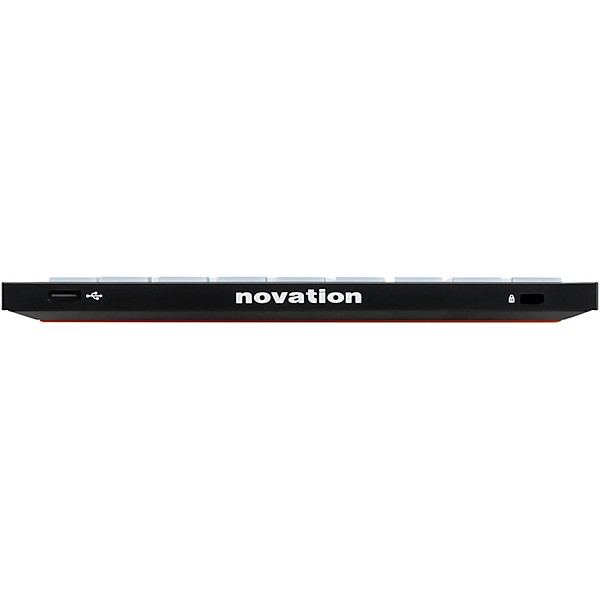
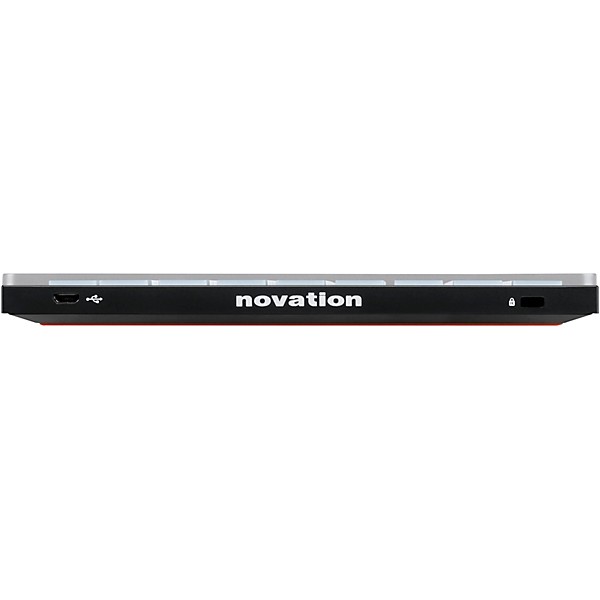
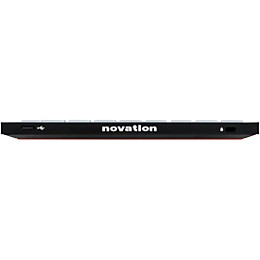
- USB: USB-C
- Power supply: USB bus powered
- OS compatibility: macOS, Windows, iOS (class compliant)
- Dimensions: 7.10" × 7.10" × 0.56"
- USB cable: USB-C to USB-A (1.5 m)
Warranty
All Novation products are built to the highest standards and are designed to provide many years of reliable performance. In the event of a manufacturing defect becoming evident during the warranty period, Novation will ensure that the product is repaired or replaced free of charge. The warranty for any product purchased on or after January 1, 2018. is a period of 36 months from the date of original purchase. The warranty period for products purchased on or prior to December 31, 2017, is 24 months from the date of original purchase.
A manufacturing defect is defined as a defect in the performance of the product as described and published by Novation. A manufacturing defect does not include damage caused by post-purchase transportation, storage or careless handling, nor damage caused by misuse.
While this warranty is provided by Novation, it is fulfilled by Novation’s distribution partner in the country in which you purchased the product. To contact Novation's local distribution partner regarding a warranty issue, go to their website. They will advise you of the appropriate procedure for resolving the warranty issue. Note that many of the products returned under warranty are found not to exhibit any hardware fault at all. In the case of operational interruption, it’s worth checking other factors, such as cables, drivers, software settings, and the like, prior to returning your hardware. Contact Novation support.
In every case, you will need to provide a copy of the original invoice or store receipt to Novation’s local distribution partner. In the event that you are unable to provide proof of purchase, you should request a copy of your receipt. If you purchase a Novation product outside your normal country of residence, Novation’s distribution partner in your normal country of residence will not be able to honor this limited warranty, although you may request an out-of-warranty chargeable repair.
This warranty is in addition to your statutory rights in the country of purchase.
Featured Articles
Reviews
Be the first to review the Product
Q&A
Have a question about this product? Our expert Gear Advisers have the answers.
No results but…
You can be the first to ask a new question.
It may be Answered within 48 hours.
Be the first to know about exclusive offers, tips and more.

866-498-7882 English
877-687-5402 Español